OpenClaw Setup
AI Agents That Work 24/7
Skip the months-long AI agent build. We deploy multi-agent OpenClaw automation on a Mac Mini in your home or office, train it on your workflows, and connect it to your tools — configured and running in 1–2 weeks.
By Eliran YihyeUpdated
From $599, fixed price
1–2 weeks
What it costs
| Price | From $599, fixed price |
|---|---|
| Timeline | 1–2 weeks |
| South Florida firms (Clutch) | 17 of 17 software and web firms list a minimum project above $599. Median minimum $10,000+, median hourly band $100-$149/hr. As of September 26, 2026. |
| Billing | One number in a written proposal before any code exists. No hourly billing. |
| Handover | Code, repositories and accounts transfer to you. |
Market figures quoted on this page: South Florida software firm rates on Clutch, 2026 census.
How much does OpenClaw setup cost?
OpenClaw setup at Cuanto Labs starts at $599 and takes 1–2 weeks. That covers multi-agent setup, deployment on a Mac Mini (M4) in your home or office, custom agent training on your workflows, and ongoing monitoring and tweaks. There is no per-seat subscription attached to the automation itself.
Who sets up OpenClaw for you?
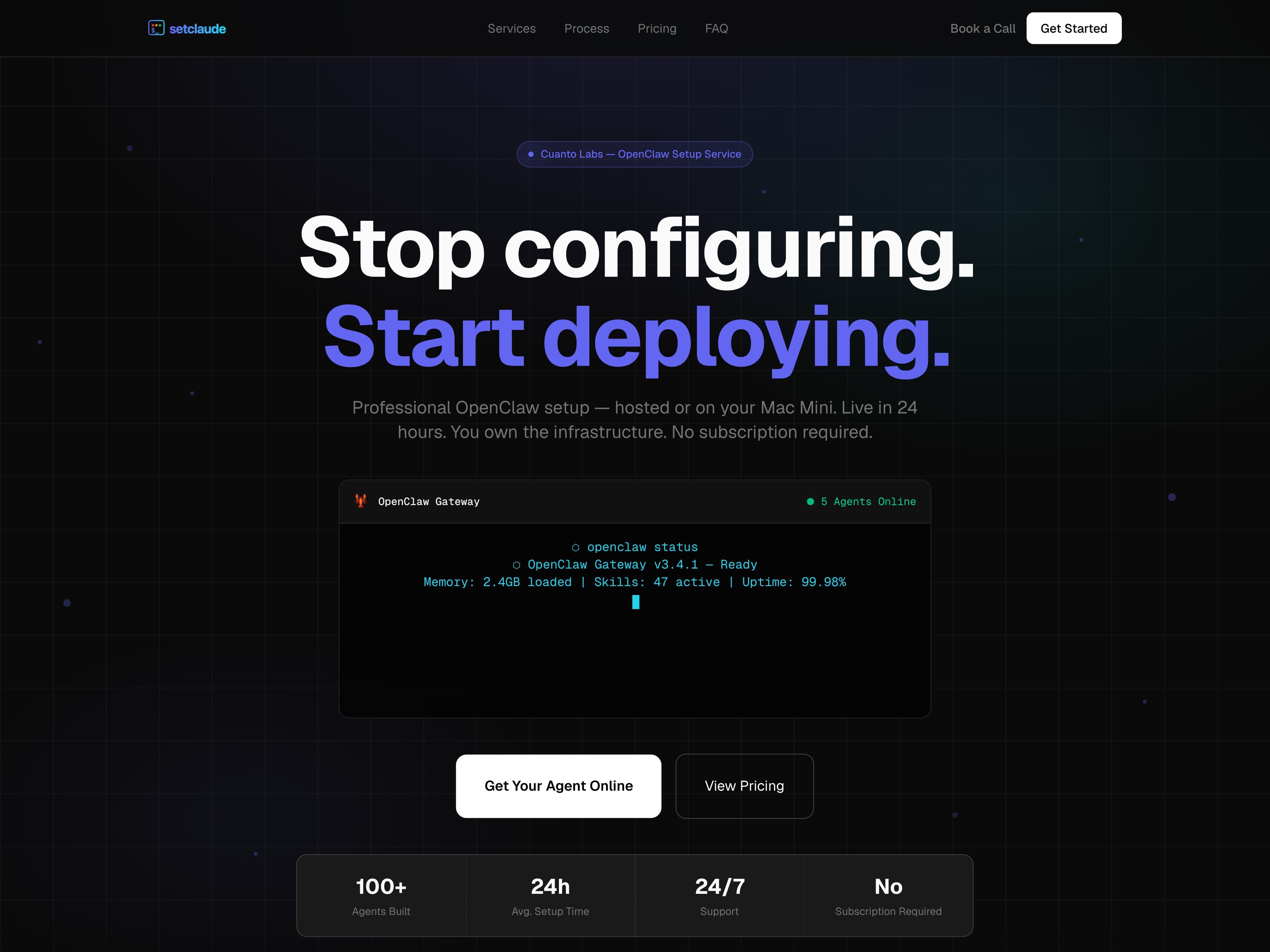
SetClaude, our done-for-you OpenClaw deployment at setclaude.com, runs hosted or on your own Mac Mini. Setup covers runtime and dependency install, model and memory configuration, browser automation, messaging integrations and permission boundaries. The infrastructure is client-owned, there is no subscription, and the setup is the deliverable.
Is it safe to give an AI agent access to my computer?
It is the main risk to plan for. An agent wired up carelessly can reach every file, key and account on the machine it runs on. Setup therefore includes permission boundaries that keep an agent away from credentials it has no reason to touch, on hardware you own.
Should I choose OpenClaw or a custom AI agent build?
OpenClaw is the shorter, lower-cost route: from $599 in 1–2 weeks. A custom AI agent build starts at $5K and takes 2–6 weeks, with Slack, email and CRM hooks and monitoring included. We will tell you which one fits your workflow, and say so if neither is the right answer.
What can OpenClaw agents connect to?
Setup covers messaging integrations, with Telegram part of the SetClaude stack, plus browser automation and connections to your tools, after custom agent training on your workflows. Ongoing monitoring and tweaks keep it running, because an automation nobody watches is one that fails quietly.
How does Cuanto Labs' OpenClaw setup price compare with South Florida firms?
Cuanto Labs starts at $599, fixed. 17 of 17 South Florida software and web firms on Clutch that publish a minimum project list one above $599, and the median minimum is $10,000+. Their median hourly band is $100-$149/hr. Clutch minimums cover any project type. Data as of September 26, 2026.
What is included
- OpenClaw multi-agent setup
- Mac Mini deployment (M4)
- Custom agent training
- Ongoing monitoring & tweaks
How it runs
- 1. Discovery call. Thirty minutes on the problem, the timeline and the budget.
- 2. Fixed-price proposal. Scope and a number in writing before any code exists.
- 3. Build in the open. A working version in week two, reviewed weekly.
- 4. Launch and hand over. Code, repositories and accounts transfer to you.
- 5. Support if you want it. Optional, and never a condition of handover.
Related projects
Live products from our portfolio that draw on this kind of work. Each card opens its case study.
Industries we build this for
More questions
What is OpenClaw?
A multi-agent automation setup that runs on hardware you own — a Mac Mini in your home or office — rather than as another monthly SaaS subscription.
Why local hardware instead of the cloud?
Your workflows and the data they touch stay on a machine you control, and there is no per-seat subscription attached to the automation itself.
How long does setup take?
1–2 weeks: deployment, training the agents on your workflows, and connecting them to your tools.
What happens after it is running?
Ongoing monitoring and tweaks are part of the service — an automation nobody watches is one that fails quietly.
Pick a time to talk it through
Loading the calendar…
Open the booking page30 minutes on Google Meet, free. Times shown in your local timezone.
Other services
Working locally? See how we run projects in Miami and Fort Lauderdale, or across South Florida.